
What Is a Vehicle Rental Booking System?

Updated: 7 hours ago
A vehicle rental booking system is a web-based platform that lets customers reserve a self-drive vehicle online while the operator manages availability, rates, payments and records in one place. It shows only the vehicles genuinely free for the requested dates, prices the hire automatically, and writes the reservation into the fleet calendar.
Most explanations of this software stop at a feature list. This one walks through what a customer actually sees at each step and what the operator sees behind it, so you can judge whether the software fits the way your business already runs.
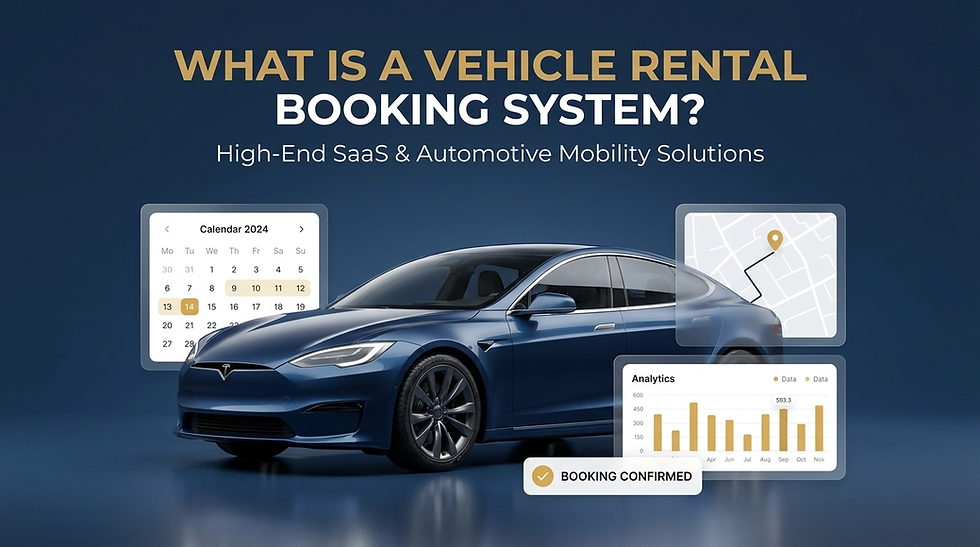
What does a vehicle rental booking system actually do?
At its simplest, the system replaces the phone call. A customer who wants a car for next weekend can check what is free, see the price including tax, add a child seat, and confirm the hire without waiting for anyone to reply.
Underneath that, it does three jobs that a spreadsheet cannot. It holds a single record of which vehicle is available on which dates. It applies your rate rules consistently, including the ones that change with duration or season. It keeps the booking, the customer and the payment attached to each other, so nothing has to be re-keyed later.
For an owner, the practical value sits in the bookings you currently lose after hours. A reservation that arrives at eleven at night costs nothing to accept when the system takes it for you.
What the customer sees, step by step
The self-drive flow runs through six named steps: Vehicle, Package, Customer, Driver, Summary and Payment. Here is what happens in each.
Step 1, choosing a vehicle. The customer picks a rental date range, then a start time and an end time in fifteen-minute increments. They can narrow the fleet by brand or by category, with categories covering hatchback, sedan, SUV, MPV, electric and hybrid, lifestyle and luxury. Each vehicle appears as a card carrying a photograph, the number of doors and seats, the colour, the body type, the engine size and the fuel type, together with a daily rate and the total for the selected duration.
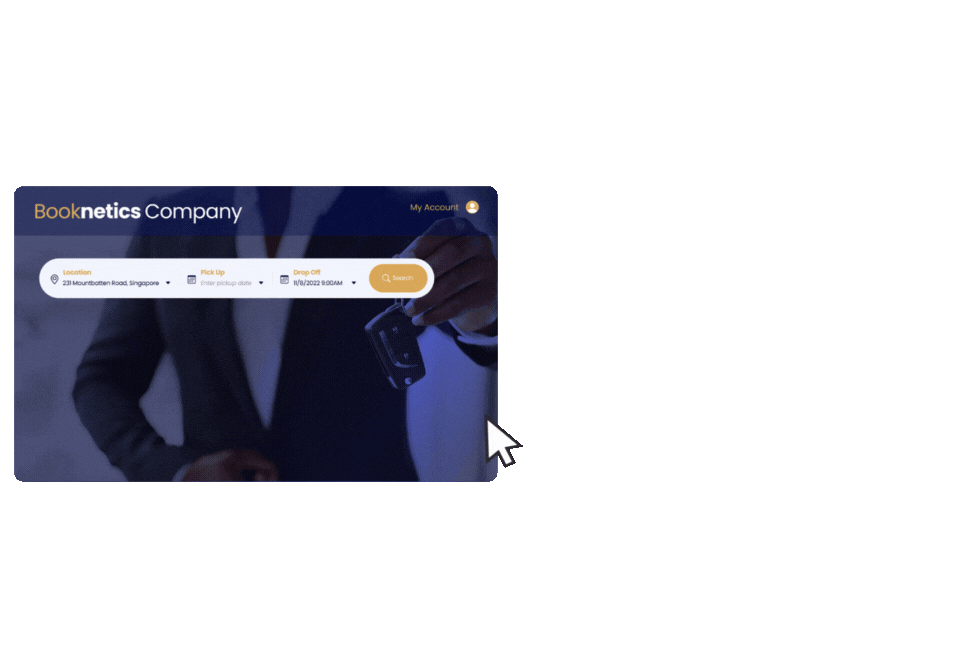
Showing the specifications on the card matters more than it sounds. A customer who can see that a car seats five and runs on petrol stops asking your staff, and your staff stop answering the same question forty times a week.
Step 2, the package. This screen carries the vehicle summary, the booking details with pick-up and return location and time, and the optional extras. Extras use a quantity stepper, so a customer adding one child seat sees the line appear in the billing summary immediately with its own price.
The billing summary runs from the booking subtotal, through any add-on lines, to a total shown inclusive of GST at nine per cent. A promo code field sits below it, and an invalid code is rejected on the spot rather than at checkout. There is also a free-text remarks box, which is where the request to leave the car at a different level of the carpark ends up instead of in a WhatsApp thread nobody can find later.
Step 3, the account. Before a customer can move into the personal details, they sign in or create an account. Registration collects name, email, password and mobile number, and the account is confirmed by a verification code sent to the email address.
This is a genuine trade-off and worth stating plainly. Requiring an account gives you a reusable customer record and filters out fake bookings. It also adds friction at the exact moment the customer had decided to buy. If most of your hires come from repeat customers, the account pays for itself quickly. If you take a lot of one-off tourist bookings, the extra step will cost you some of them.
Steps 4 to 6, customer, driver, summary and payment. These sit behind the sign-in and collect the details you need for the rental agreement and the driver, then present the booking for confirmation and take payment through a third-party gateway.
Why the same car can cost less per day on a longer rental
Rate management is where most rental businesses lose money quietly, so it deserves a worked example.
In our demo fleet, a car listed at a daily rate of S$150 prices a three-day hire at S$410. A flat daily rate multiplied by three would have produced S$450. Other vehicles in the same fleet price linearly, so a car at S$180 a day comes to S$540 across three days.
Both behaviours are correct, because they are configured per vehicle. Rates can run from hourly through daily and up to a forty-five day rental period, and each vehicle can carry its own rate and its own special-period pricing. That means your weekend surcharge, your long-stay discount and your festive rate live in the system rather than in the head of whoever answers the phone.
If your team is currently quoting long hires by hand, this is the single change that recovers the most margin, because manual quoting almost always errs downward.
No commitment. We will take one of your actual long-hire quotes and show you how the rate rules would price it. Get a demo →
What sits behind the booking screen
The operator side of a vehicle rental booking system carries the parts the customer never sees.
The vehicle master holds your centralised vehicle data, status and availability. A vehicle blocker hides a unit from front-end selection, which is how you take a car off the market for servicing without deleting it or trusting someone to remember.
Promo codes carry their own redemption terms, and usage and validity are tracked so you can measure whether a campaign actually produced hires. Extra items are managed per vehicle, and you decide whether each one is charged by item, by day or by trip.
Customer records collect profiles with order history and can be exported, which is what turns a booking list into a marketing list. Email automation sends booking confirmations and reminders on a template you control. The dashboard reports a reservation summary, upcoming bookings and income across different periods.
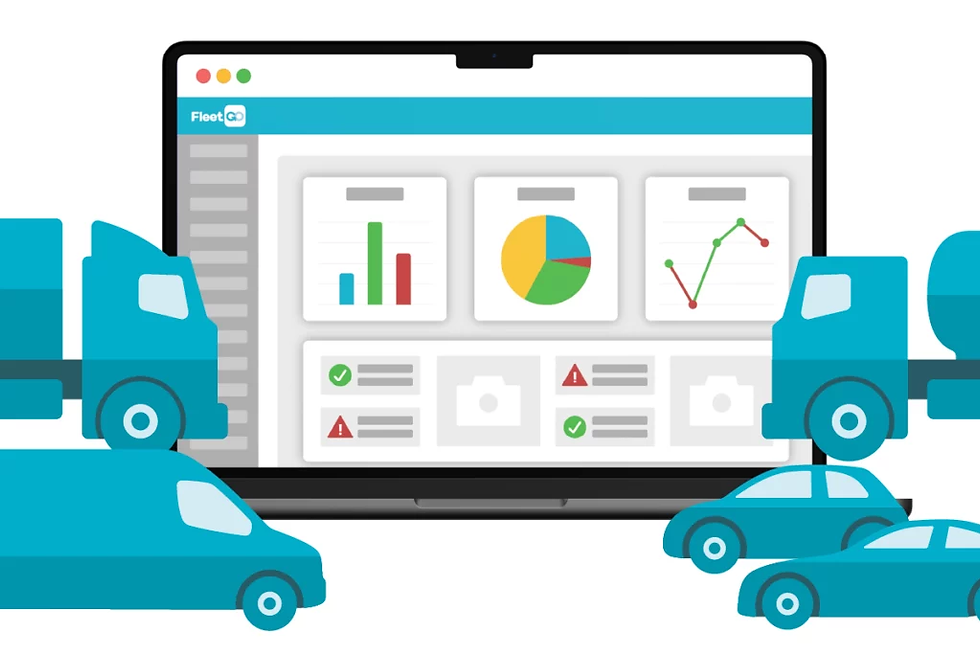
On the finance side, invoices and payment documents are generated automatically, and the system supports booking cancellation with various refund policies.
For a decision maker, the question to ask here is not whether these modules exist, because most platforms claim them. Ask how many separate systems your finance team currently reconciles at month end, and how many of them this removes.
What the customer is told before they commit
This part is specific to self-drive, and it is the part most booking software handles poorly.
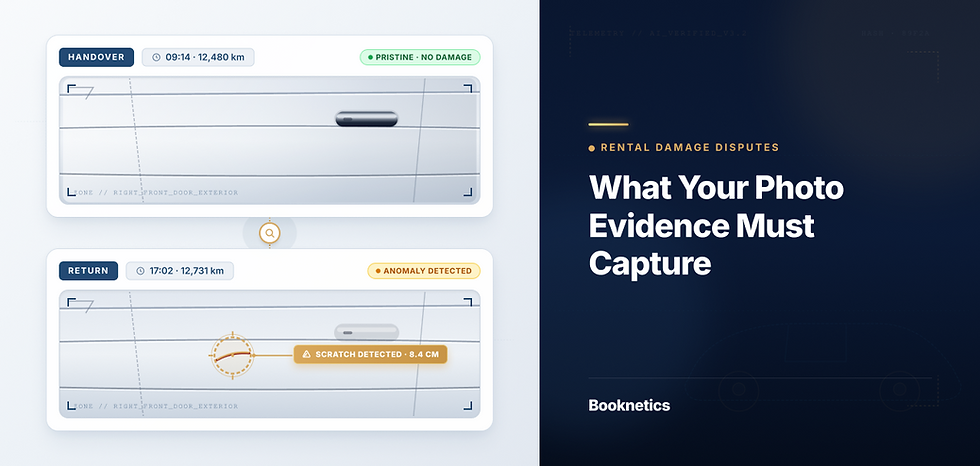
Before confirming, the customer sees a restrictions and terms block covering the damage excess for that vehicle, an additional excess where one applies, and the driver criteria. In our demo build, the damage excess on a mid-range sedan reads S$1,500, and the driver criteria note explains that additional excess applies to young, senior or inexperienced drivers.
Putting those numbers on the booking screen costs you a small number of hires. It also removes the argument at the counter, where a customer who has already paid discovers an excess they did not expect. Disputes are expensive in staff time and worse in public reviews, and disclosure before payment is the cheapest insurance against both.
Where a booking system stops and an ERP begins
A booking system is built to take and hold reservations. It is not built to run a workshop, manage spare parts stock, or handle vehicle sales and depreciation.
That distinction matters when you are choosing. If your business is renting vehicles out, a booking platform covers you. If you also service those vehicles in your own workshop, trade parts, or run leasing alongside rental, you will eventually want the booking data to land in a broader system. Booknetics integrates with an ERP for financial reporting and profit and loss, and the sister platform from the same team is the automotive ERP platform for rental and leasing built by DewTouch, which covers workshop, parts and finance on the same data.
Alongside that, the integrations we support cover payments through PayPal, Stripe and 2c2p, routing through Google Maps, flight information through OAG, and driver messaging through LINE.
What to check before you choose one
Work through these in order, because the later ones only matter once the earlier ones pass.
Confirm the system prices your longest and shortest hires correctly, using a real quote you have issued in the past month.
Check that every add-on you actually sell can be configured with the charging basis you use, whether that is per item, per day or per trip.
Ask how a vehicle is taken off the booking calendar for servicing, and how far ahead you can schedule that.
Decide whether a mandatory customer account helps or hurts your particular mix of repeat and one-off hires.
Ask who builds and maintains your front-end store, and what happens when you want to change it.
Establish what your team has to enter manually on day one, because the vendor deploys the system but your vehicles, rates and promo codes are your data to load.
Booknetics has confirmed over 200,000 bookings and more than S$48 million transacted through the platform, as of September 2026, across self-drive and chauffeur-driven operators.
Seeing the flow run tells you more than a feature list. We will walk through a booking end to end on your own fleet mix, including the excess and driver criteria your customers would see. Get a demo →
Frequently asked questions
What is a vehicle rental booking system?
A vehicle rental booking system is web-based software that lets customers reserve a self-drive vehicle online while the operator controls availability, rates and payments centrally. It shows only vehicles that are genuinely free for the requested dates, calculates the price from your rate rules, and records the reservation against the vehicle so the same unit cannot be hired twice.
How is a booking system different from a fleet management system?
A booking system handles the commercial side, which is taking reservations, pricing them and collecting payment. A fleet management system handles the asset side, which is maintenance, utilisation and compliance. The two overlap on vehicle availability, and many operators run a booking platform in front and an ERP behind it.
Can a vehicle rental booking system handle motorcycles and heavy equipment?
Yes. Booknetics covers the booking lifecycle for any vehicle type, from cars and motorcycles through to heavy equipment. The rate structure and the vehicle records work the same way, and the differences show up in the specifications you display on each vehicle card.
Does the customer have to create an account to book?
In the current self-drive flow, yes. The customer signs in or registers before reaching the customer and driver steps, and the account is confirmed by a verification code sent to their email address. The account then stores their transaction history, which makes repeat bookings faster.
How much does a vehicle rental booking system cost?
Booknetics is billed on what you use rather than on a fixed published tier, so the figure depends on your fleet size and which side of the business you run. Ask for a quote based on your actual vehicle count rather than a headline price, because a per-vehicle model and a flat model diverge sharply once a fleet passes thirty units.

Comments